
Accepting inquiriesRemote-site continuity
CC-100
Keeps a site's mission workload running when the power or the link drops.
- Lines
- Continuity Node · Core Retrofit · Site integration
- For
- Remote and expeditionary sites
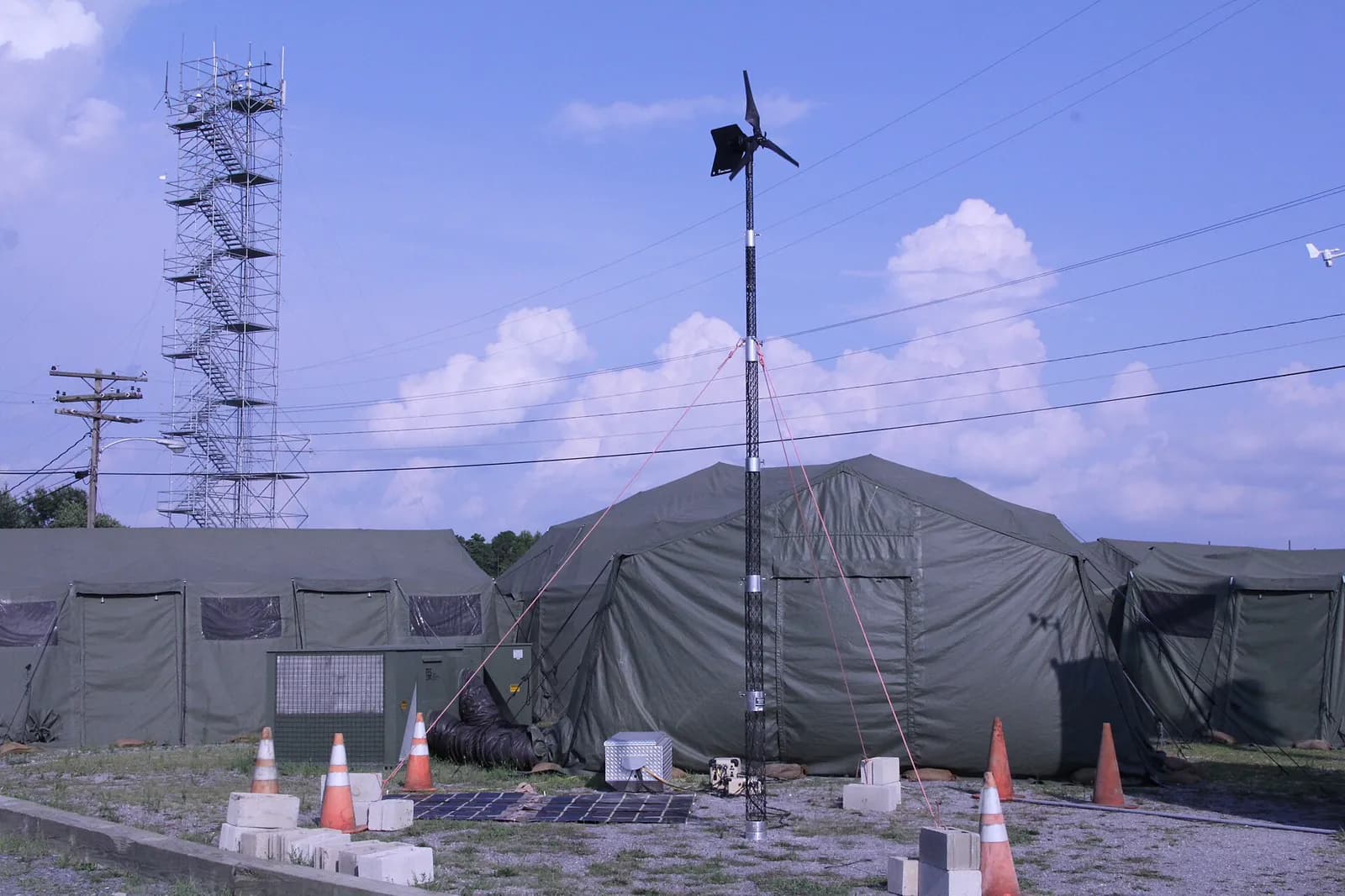
Continuity starts with the workload
Tell us what must keep running, which power and connectivity interruptions the site faces, and how the system fits into your operation. The design follows from that, not the other way round.
Three ways to start
Continuity Node
A unit that carries a mission workload through an interruption in power or connectivity.
Send us: The workload, the site's power and data interfaces, the interruption to ride through. You get: A continuity design scoped to the site.
Core Retrofit
Continuity added to the infrastructure a site already has.
Send us: The existing architecture and recovery priorities. You get: A retrofit plan for the site.
Site integration
Continuity fitted to the workload, the interfaces and the installation.
Send us: Site interfaces and operating environment. You get: An installation plan for the site.
How a scope comes together
Describe the interruption
The workloads that must stay available, and the power and connectivity losses the site actually sees.
Review the architecture
The existing power, data and physical interfaces, so continuity fits what is already there.
Define recovery
Continuity and recovery priorities, written down before any hardware is chosen.
These steps scope a conversation. They do not establish a quote, a delivery commitment or verified performance.
Keep the mission running
Bring the site, the workload and the interruption you need to manage. Keep the first message non-sensitive.